
OFFICE NETWORK & POWER OUTLETS – FLOOR BOXES & WORKSTATIONS
Properly placed network and power outlets at every workstation, floor boxes for open-space offices, with labeling and technical documentation.
Network outlets, power outlets & floor boxes
A core part of office infrastructure is placing network and power points correctly at every workstation — not wherever is convenient, but based on a proper site survey, device count and future scalability.
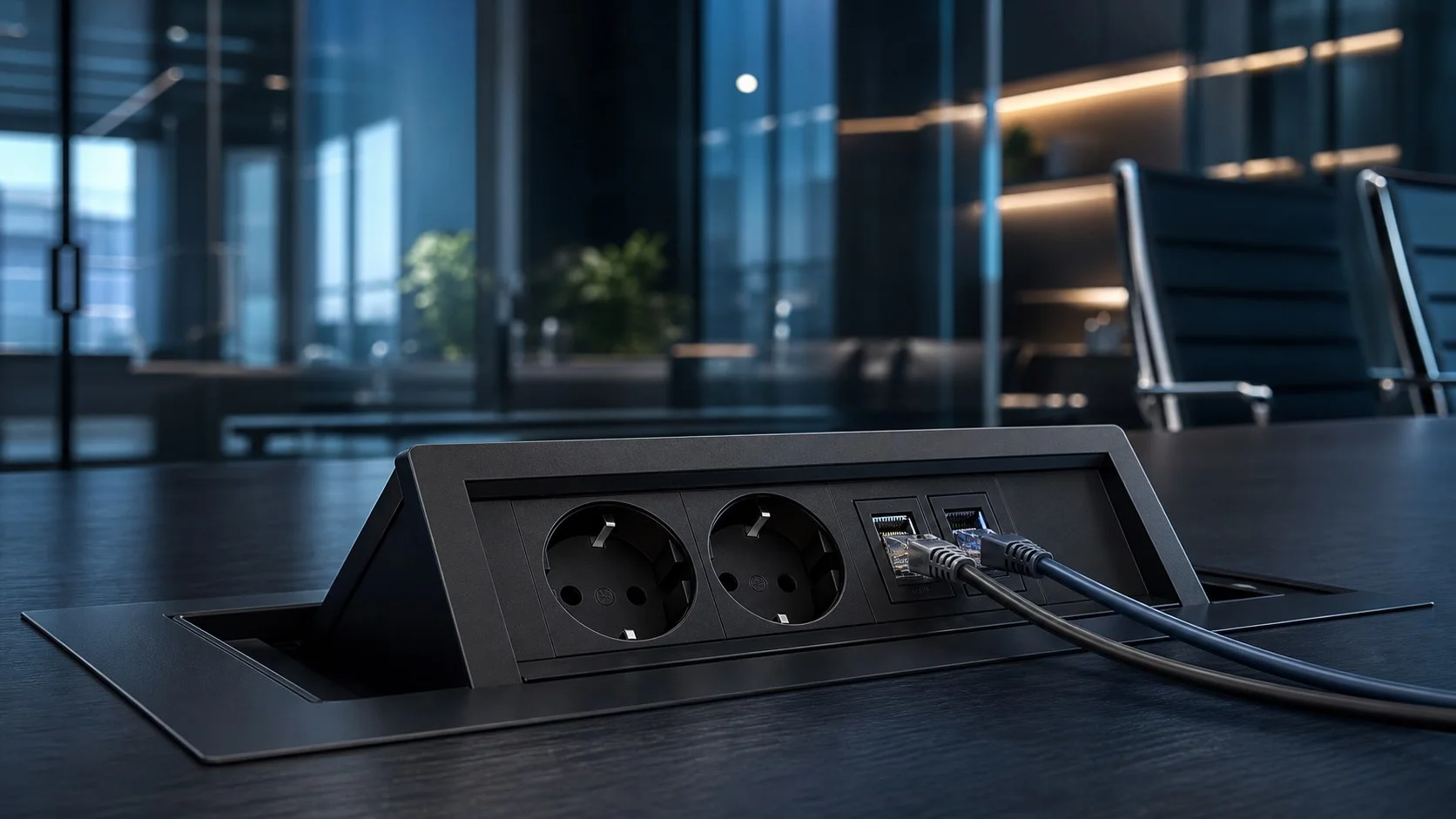
For open-space layouts with desks away from walls, we use floor boxes recessed into the floor or raised flooring, so every workstation gets direct access to network and power without visible cables across the room.

WHO IT IS FOR
Ideal when you're planning workstations from scratch or adding network/power points to an existing office.
Open-Space Offices
Floor boxes for desk clusters away from walls, with no visible cables on the floor.
New Offices & Relocations
Planning network/power points from the ground up, based on your workstation layout.
IT & Facility Managers
Clear labeling and mapping of every outlet to its patch panel port.
Office Renovations
Adding or relocating network/power points during renovation, with minimal disruption.
IMPLEMENTATION PROCESS
From workstation planning to installation, labeling and point testing.
Workstation Survey
Recording workstations, devices per position and points requiring floor boxes.
Point Planning
Defining the number of network/power outlets per workstation and cable routes.
Installation & Cabling
Installing modules, floor boxes and connecting them to the central patch panel.
Labeling & Testing
Marking each point, functional testing and technical port-mapping documentation.
TECHNICAL APPLICATIONS
Visual references of network outlet, power outlet and floor box solutions for offices.


FREQUENTLY ASKED QUESTIONS
Key information you need to know about office network, power outlets and floor boxes.
What is a floor box and when is it needed?
A floor box is a recessed or surface-mounted enclosure with network and power outlets, used when workstations are located away from walls — for example in open-space offices with clusters of desks in the middle of the room.
How many network outlets does a workstation need?
Usually 1-2 network outlets (RJ45) per workstation, depending on the devices in use (PC, IP phone, secondary display with its own access point, etc.). Server rooms or network equipment points require more.
What is the difference between a network outlet and a power outlet in the same module?
The network outlet (data outlet) carries network signal over Cat6/Cat6A structured cabling, while the power outlet supplies devices with electrical power. Office modules combine both types at the same point for convenience, but they follow separate cable routes.
How are network outlets labeled?
Each network outlet is given a unique code matching its port on the rack's patch panel, so it can be identified immediately. The port mapping is recorded in as-built technical documentation delivered to the IT team.
Can outlets be added to an existing office without major disruption?
Yes, in many cases new network/power outlets are installed with minimal disruption, using existing raised flooring, suspended ceilings or surface cable trunking, without extensive construction work.
Does network equipment need a separate power circuit?
In racks and server rooms, a separate panel or at least a dedicated circuit is recommended for network equipment, protecting it from load fluctuations caused by other office electrical devices.
How long does it take to install network and power outlets in an office?
For a typical office, installing modules, floor boxes and their cabling is usually completed within a few working days, depending on the number of workstations.
RELATED SERVICES
Part of our complete office infrastructure solution.
Planning workstations for a new or existing office?
Request a technical assessment for network outlets, power outlets and floor boxes.